What it does · Privacy
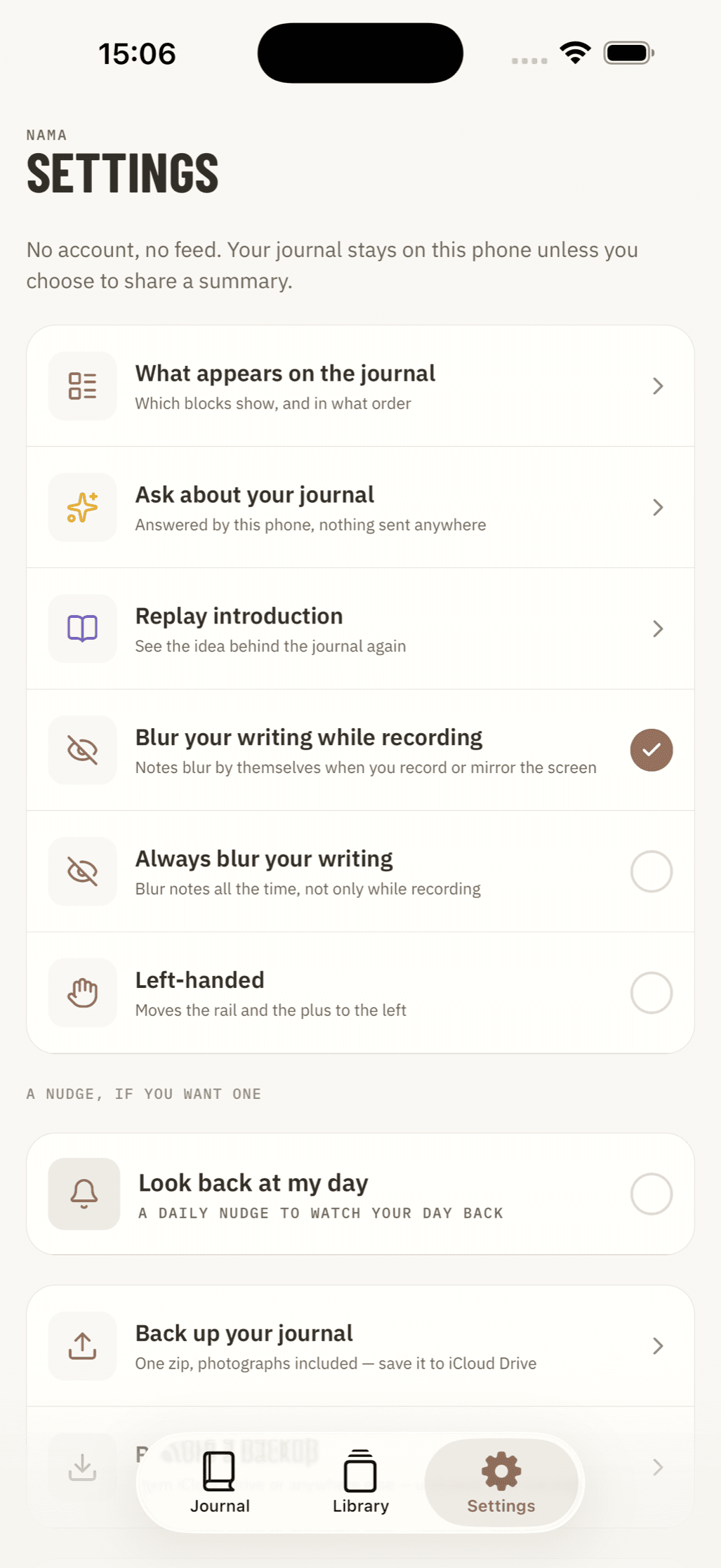
Your journal stays on your iPhone.
Open Nama and start writing. You do not need to make an account, and your journal is not uploaded to a Nama server.
There is no account
You do not register, choose a password or log in. Your journal is stored on the iPhone where you created it.
That means Nama cannot read your entries or recover them from a server. Use the backup feature to keep a copy somewhere you trust.
Analytics and advertising
The app does not contain an analytics SDK, advertising identifier, third-party advertising tracker or crash reporter.
Weather and location
If you tag an entry with a place, Nama sends a position rounded to about a kilometre to look up the weather for that day. It does not send an identifier or your exact location. If you never tag a place, it does not make this request.
Take it all with you
Back up the whole journal to a single file and save it wherever you like, including iCloud Drive. Restore that file on a new phone when you need it.
The backup contains a readable JSON file alongside ordinary photo and video files. Your data is not locked into a Nama-only format.
Also in Nama
Journal & moments
Write at any time and add photos, videos or a place.
Exercise log
Add any activity and choose what you want to record.
Track anything
Choose from eight tracker types and give each one your own name.
Available now for iPhone · Free download
Android coming soon