What it does · Wellness
Track mood, sleep or anything else.
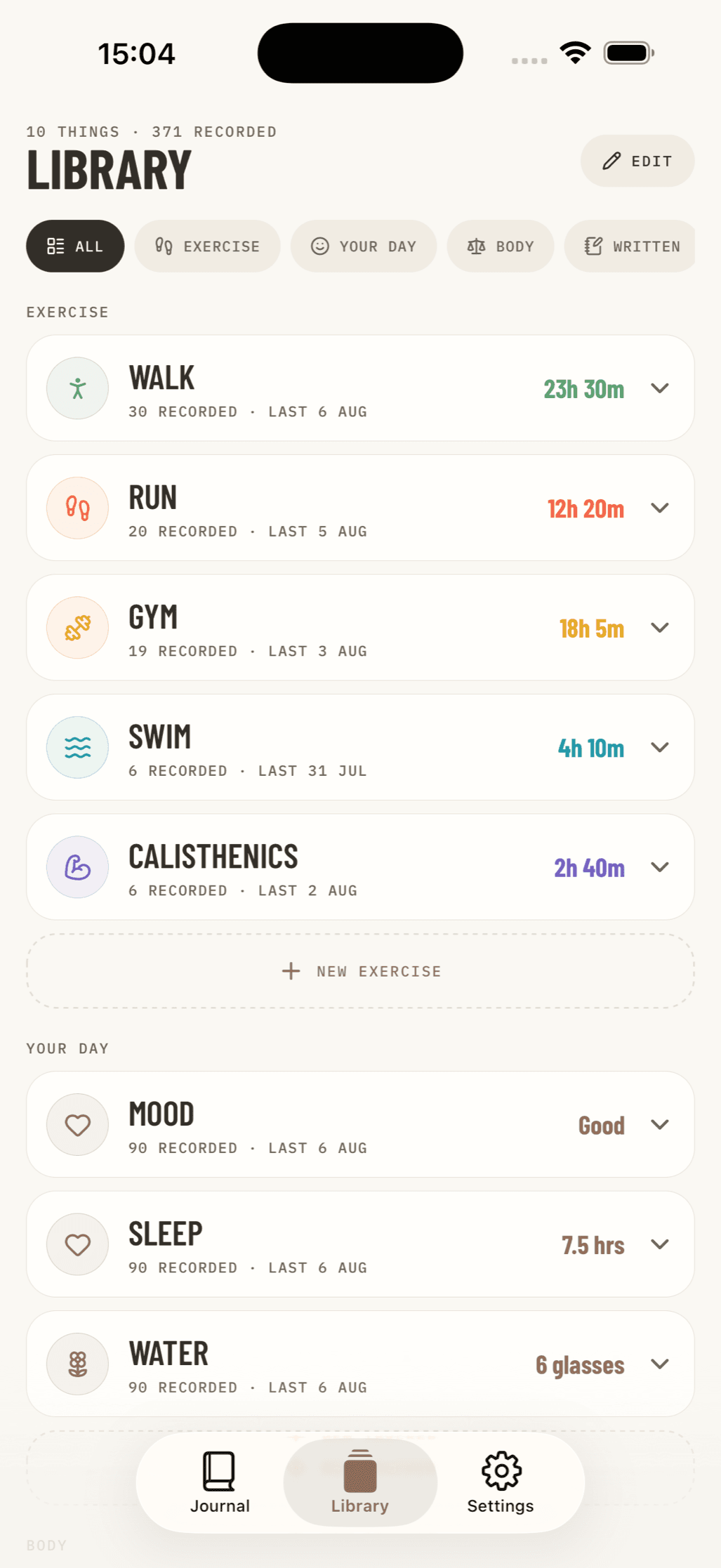
Everyone pays attention to different things. Make the trackers that are useful to you and leave the rest out.
Eight ways to record something
Choose the input that makes sense for what you are tracking:
- Number: kilos, kilometres, reps or a percentage, with a unit you choose.
- Amount: tap or drag up and down in steps you choose. Useful for hours, glasses or cups.
- Time: enter a duration such as 1:24.
- Rate 1–5 and Rate 1–10: a row of numbered buttons.
- Faces: five expressions from worst to best, useful for mood or energy.
- Yes / no: a simple record of whether something happened.
- Your own options: type the labels you need for routes, strokes, grades or anything similar.
The controls stay simple
Pick one tracker type and Nama shows the right control for it. You can change the name, colour, icon, labels and unit without making the logging screen complicated.
Arrange it how you like
Give each tracker a name, icon and colour, then put it where you want in the Library. It could be mood, sleep, water, caffeine, screen time, pain, medication, practice minutes or pages read.
You can add a note to any reading when the number needs some context.
Bodyweight and measurements
Bodyweight has its own place, in kilograms or pounds, with body measurements underneath it. You can hide the whole section if you do not use it.
Also in Nama
Exercise log
Add any activity and choose what you want to record.
Journal & moments
Write at any time and add photos, videos or a place.
Private by design
There is no Nama account or server copy of your journal.
Available now for iPhone · Free download
Android coming soon