Beginner's Guide to Choosing the Best Health App for Android
Choose a Privacy-First Health App for Android
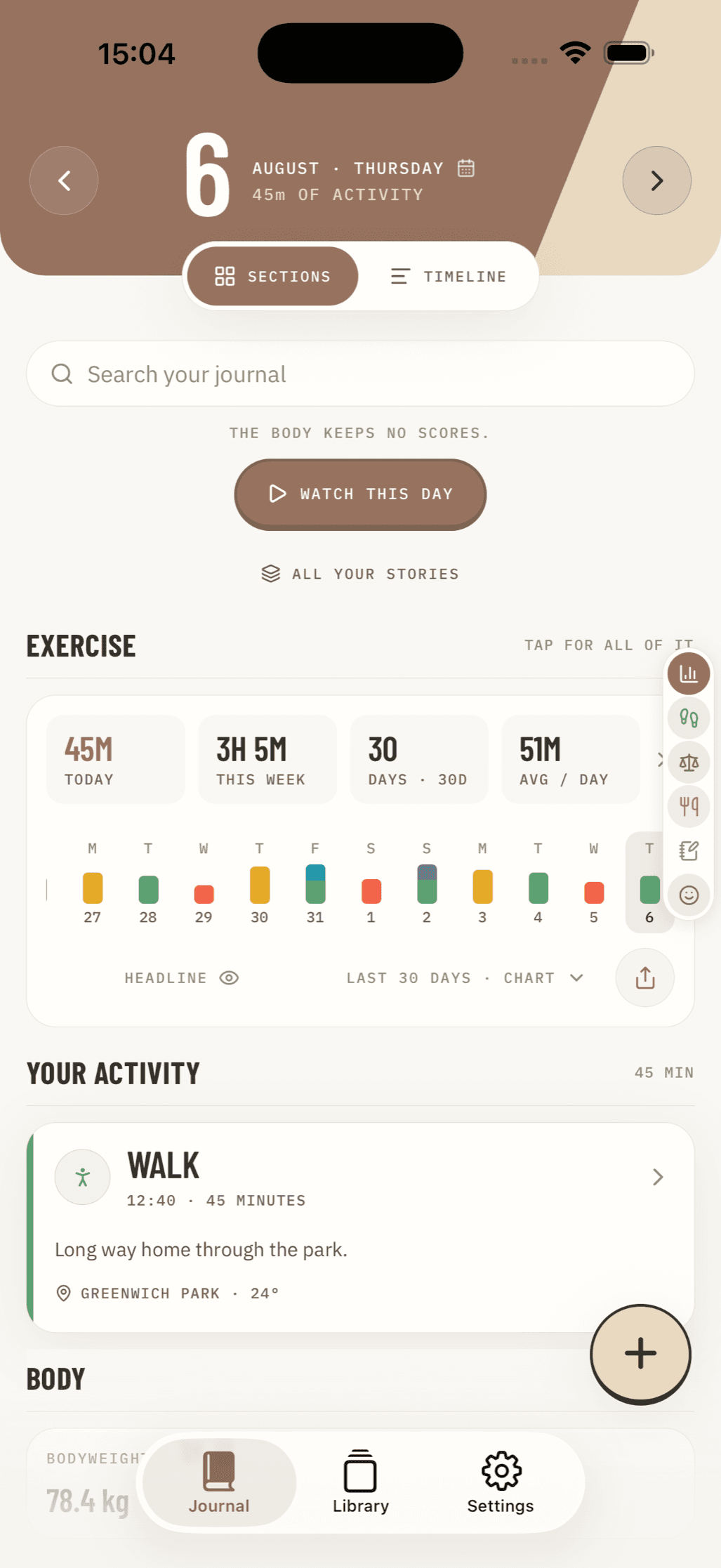
The best health app for Android is one that tracks the habits you care about, works with your phone or wearable, and gives you clear control over your data.
Start with these three checks:
- Choose your focus: activity, meals, sleep, mood, or a simple daily journal.
- Look for Health Connect support if you want approved apps to share selected data without sending everything through one social platform.
- Review permissions before connecting anything. Grant only the data each app truly needs, such as steps or workouts.
For privacy-minded users, Android's Health Connect can act as an on-device hub for compatible apps. You can decide which apps may read or write each health category, and revoke access later. This makes it easier to combine a workout tracker, nutrition log, and mood journal while keeping control of the connections.
The right choice is not always the app with the most features. It is the one you will use consistently - without ads, unwanted sharing, or confusing data settings. If you prefer a completely offline, no-account approach to logging your daily wellness, explore Nama's privacy-first journaling features to see how local-only tracking can work.
Understanding the Android Health App Ecosystem with an On-Device Health Data Hub
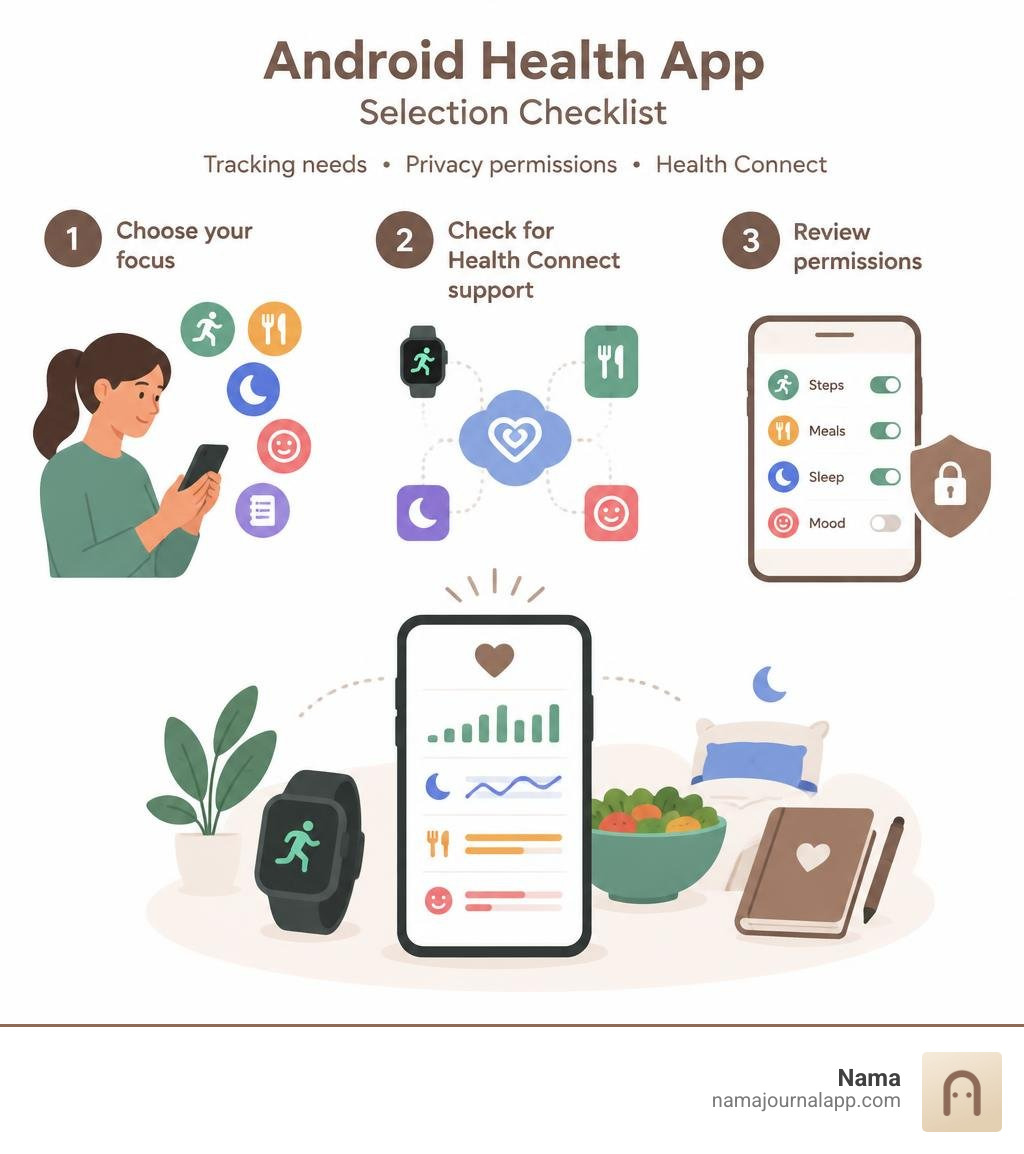
Managing health metrics on a mobile device historically meant juggling isolated silos. Your running tracker had no idea what your meal logger recorded, and your sleep tracker worked in complete isolation. Android addressed this fragmentation by introducing Health Connect, an on-device health-data hub designed to securely bridge the gap between fitness trackers, nutrition diaries, and biometric monitors.
Instead of routing personal records through third-party cloud servers, Health Connect centralizes health metrics locally on your smartphone. When an app records a session—such as a morning run or an evening meditation—it can write that data directly to the on-device repository. Other authorized applications can then read that information to give you a complete picture of your physical well-being.
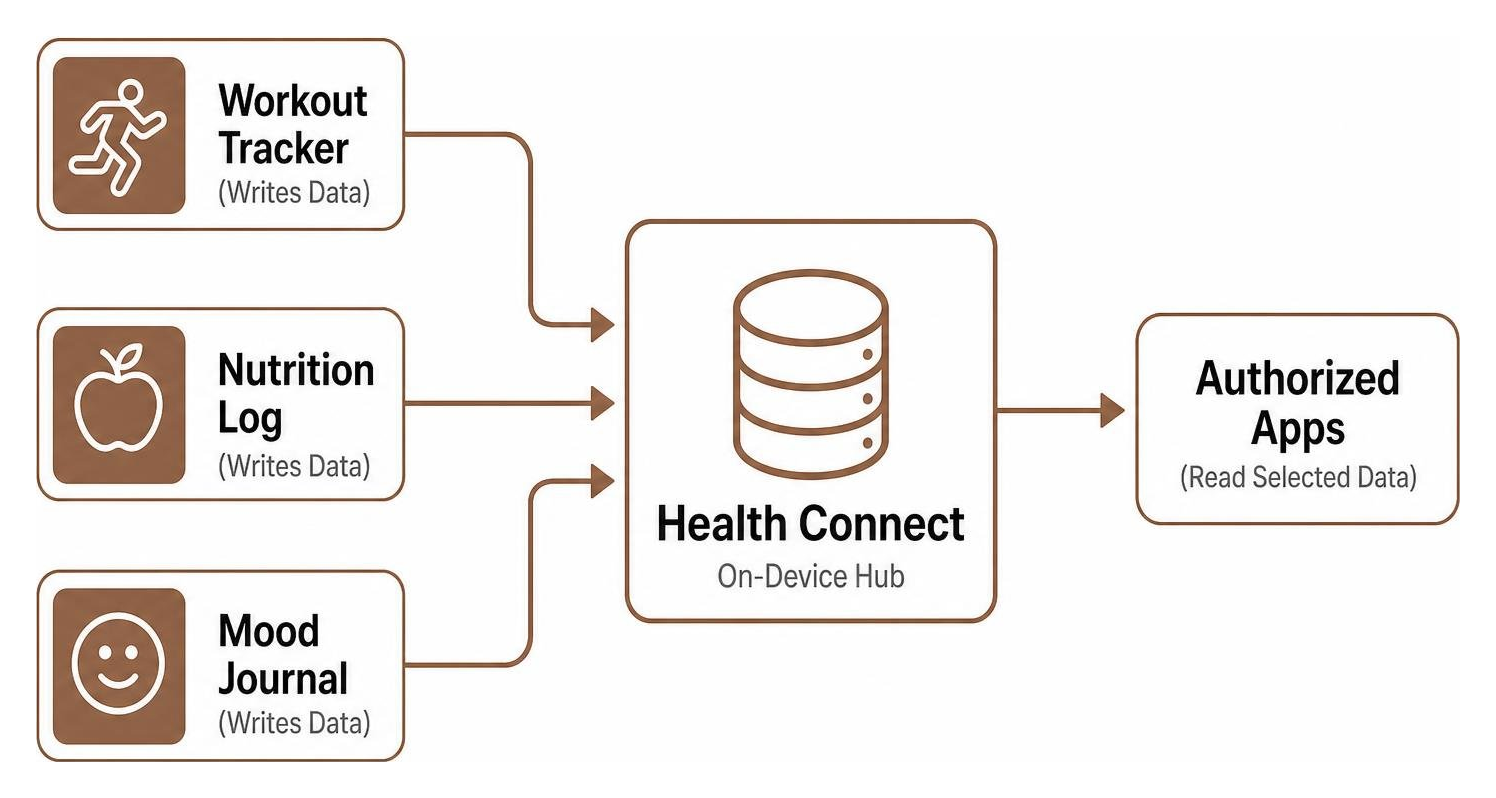
This architecture drastically enhances privacy. By acting as a system-level gatekeeper, Health Connect prevents unnecessary cloud syncing and gives you precise administrative authority over your personal biometrics. With the release of Android 14, this functionality was integrated directly into the core operating system under dedicated privacy controls, establishing a streamlined standard for how sensitive data is handled.
| Feature / Metric | Health Connect Hub | Traditional Cloud Sync Apps |
|---|---|---|
| Storage Location | Local on-device storage | Remote third-party servers |
| Account Requirement | None required for local hub | Mandatory user account creation |
| Standard Sharing Window | Last 30 days for connected apps | Unlimited historical sync |
| Medical Records Window | Indefinite (no 30-day limit) | Varies by provider policy |
| Permission Control | Granular per-metric Read/Write | Broad all-or-nothing access |
| Internet Dependency | Fully operational offline | Continuous connectivity required |
Setting Up an Android Health App Integration on Android 14+ vs Older Versions
The setup process for an on-device health hub depends on your current Android operating system version.
On Android 14 and Newer
Android 14 fully integrated Health Connect into the system settings, eliminating the need to install a standalone utility from Google Play:
- Open your device Settings.
- Scroll down and tap Security & privacy (or Privacy controls depending on your manufacturer skin).
- Select Health Connect.
- Tap App permissions to view all installed applications requesting health access.
- Choose the specific app you want to configure, then toggle the individual categories you wish to allow (such as Steps, Sleep, or Heart Rate).
On Android 13 and Older
For devices running Android 13 or earlier, Health Connect operates as a downloadable system service:
- Open the Google Play Store and download the official Health Connect application.
- Once installed, navigate to Settings to Apps to All apps to Health Connect (or open the app directly from your launcher).
- Grant the required initial storage and system permissions.
- Open your individual fitness apps and approve the integration prompt to link them back to Health Connect.
Because all records are stored locally, you do not need to create a secondary cloud account to manage these connections, ensuring an offline-first foundation for your daily routine.
Health Data Types, Privacy Controls, and Retention Limits
Health Connect organizes information into distinct categories, including Activity, Body Measurements, Cycle Tracking, Nutrition, Sleep, and Vitals. Each category provides granular read and write permissions. For example, you can permit a dedicated step counter app to write your daily step totals while forbidding it from reading your heart rate or sleep duration.
A crucial technical aspect of Health Connect is its 30-day rolling retention limit for third-party syncs. When you link a new fitness tool, it can only access data logged within the previous 30 days. This prevents newly installed utilities from scraping years of historical movement or biometric trends without your explicit awareness.
The notable exception to this rule is clinical health records, which have no 30-day read limit, ensuring your verified medical histories remain uninterrupted. Everything inside the hub is secured using on-device encryption, meaning your logs remain inaccessible to unauthorized apps or remote sniffers.
Core Tracking Features: Activity, Nutrition, and Biometrics
A well-rounded wellness plan balances physical movement, proper nourishment, and physiological recovery. Many Android users choose to combine specialized single-purpose tools rather than relying on one bloated suite.
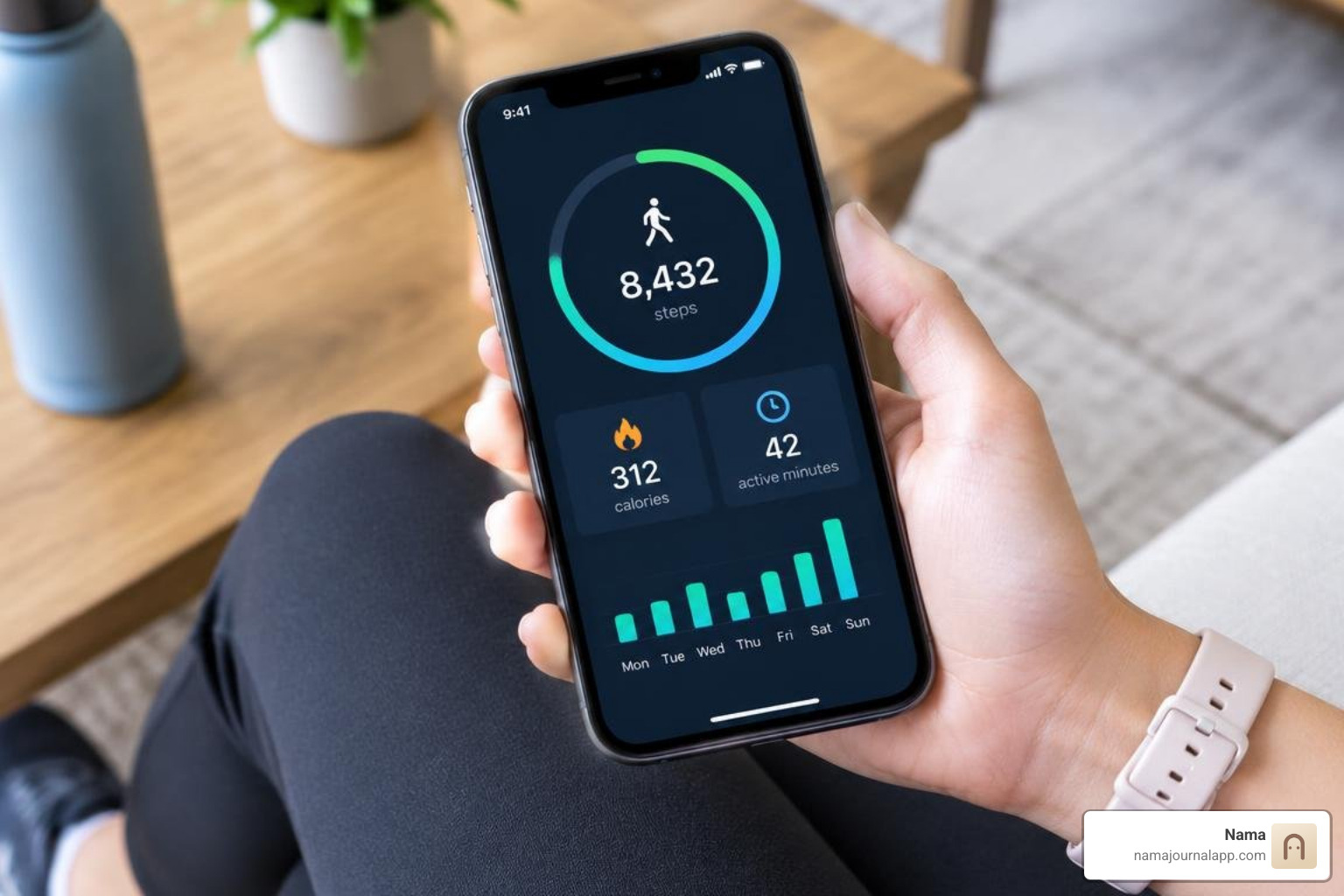
When selecting tools, you might pair an activity logger with a calorie tracker app to balance your energy intake, or integrate a dedicated mood tracker app to correlate emotional changes with sleep consistency.
Activity Detection and Activity-Point Tracking
Physical movement tracking has evolved far beyond rudimentary pedometers. Modern platforms utilize advanced sensor fusion algorithms to automatically detect whether you are walking, running, cycling, or resting.
A notable methodology in this space is tracking activity intensity aligned with recommendations from the World Health Organization (WHO) and the American Heart Association (AHA). Under these guidelines:
- Moderate activity: 1 point or minute is counted for each minute of moderate activity (such as brisk walking).
- Vigorous activity: 2 points or double value are awarded for each minute of vigorous activity (such as running or high-intensity interval training).
The WHO and AHA recommend achieving at least 150 minutes of moderate activity each week to reduce cardiovascular risk and improve overall longevity. Brisk walking for 30 minutes, five days a week, hits this threshold perfectly.
While automated tracking simplifies your routine, user reviews occasionally note step-counting discrepancies or minor background sync delays when phones transition out of aggressive battery-saving modes. Holding your phone or wearing an interconnected smartwatch ensures the most consistent cadence telemetry.
Biometric Monitoring and Medical Disclaimer Considerations
Many modern mobile applications can measure baseline vitals without requiring external chest straps or dedicated cuffs. Using optical photoplethysmography via your smartphone camera lens, compatible apps can calculate heart rate and respiratory rate by detecting subtle micro-color shifts in your fingertip capillaries.
If you are using an Android app to monitor blood pressure or log vital trends, you must remember that commercial mobile apps and phone sensors are designed exclusively for fitness and lifestyle tracking.
- They are not certified diagnostic medical devices.
- They cannot replace formal clinical examinations or professional medical consultations.
- If you experience chest pain, irregular palpitations, or severe dizziness, consult a qualified healthcare provider immediately rather than relying on mobile telemetry.
How to Troubleshoot and Optimize Data Syncing
Even with a unified platform like Health Connect, background processes can occasionally stall. If your workout data fails to appear across your connected applications, the issue typically stems from background battery optimization, stale app cache, or misconfigured read/write permissions.
Step-by-Step Troubleshooting for Your Android Health App Connections
If your logs stop updating between apps, follow this sequential diagnostic routine to restore normal data pipelines:
- Verify App Permissions in Health Connect: Navigate to Settings to Security & privacy to Health Connect to App permissions. Open both the sending app (e.g., your workout recorder) and the receiving app. Ensure the sending app has Write permissions toggled on for that metric, and the receiving app has Read permissions active.
- Adjust Background Battery Limits: Modern Android versions aggressively terminate idle background services to conserve power. Go to Settings to Apps, choose your specific fitness app, tap App battery usage, and change the setting from "Optimized" to Unrestricted.
- Clear App Cache: Temporary system state conflicts can interrupt API communication. Navigate to Settings to Apps, choose your specific fitness app, tap Storage & cache, then tap Clear Cache. Repeat this step for the Health Connect system app if running Android 13 or lower.
- Initiate a Manual In-App Sync: Open the origin application and perform a manual pull-to-refresh on your dashboard. Some tools batch their sync requests and only push updates to Health Connect when the interface is actively drawn.
- Re-link the Integration: If syncing remains unresponsive, revoke access within Health Connect, restart your phone, and re-enable the permissions within the host app's settings menu.
Navigating Platform Limitations and Multi-User Constraints
While Health Connect represents a major leap forward for Android wellness interoperability, several platform-level limitations remain:
- No Multi-User Profile Support: Health Connect operates strictly on the primary device profile. If you utilize Android's secondary work profile or multi-user guest spaces, health data cannot be shared across those separate operational environments.
- Wearable Ecosystem Gaps: Some proprietary wearable ecosystems maintain closed databases. While many major wearable brands translate data smoothly into Health Connect, certain specialized brands still require third-party bridge utilities to export raw telemetry.
- Cross-Platform Interoperability: If you switch between mobile platforms, migrating historical health logs can be complex. Direct cloud syncing across divergent mobile operating systems and Android's local framework requires third-party import/export workflows.
Frequently Asked Questions About Android Health Tracking
What is the on-device health-data hub on Android and how does it manage data?
Android's on-device health hub (Health Connect) is a centralized system framework that allows wellness apps to securely share information locally on your phone. Instead of each app maintaining separate cloud servers that talk to one another over the web, Health Connect provides a single encrypted database on your device where apps read and write approved data categories.
How long do Android health apps retain shared data?
By default, Health Connect limits connected applications to reading data logged within the previous 30 days. This rolling window safeguards your historical records from newly connected third-party services. However, verified clinical health records are exempt from this window and can be viewed over longer durations, while individual fitness apps retain their own historical logs according to their specific in-app storage rules.
Can a health app on Android be used for medical diagnosis?
No. Commercial Android health apps, camera-based heart monitors, and wearable trackers are designed solely for personal wellness, fitness management, and trend monitoring. They do not possess the clinical precision required for medical diagnosis or therapeutic treatment decisions. Always consult a licensed healthcare professional for clinical concerns.
Conclusion
Building a sustainable mobile wellness routine requires finding the balance between insightful metrics and dependable privacy. The modern Android health architecture offers unprecedented flexibility, allowing you to link step counters, nutrition diaries, and workout trackers through an encrypted, local hub. By understanding permission controls, adjusting retention limits, and actively managing your app connections, you can take complete ownership of your physical well-being without surrendering control of your personal data.
If you are exploring the broader landscape of fitness software or looking for dedicated tools to log your personal metrics offline, explore our comprehensive guide to the Best Health Tracker App for Android and discover our privacy-first logging Features designed to keep your personal records entirely in your hands.