Step Up Your Walking Routine with the Top Android Pedometers
Find the Best Android Step Counter for Your Walking Goals
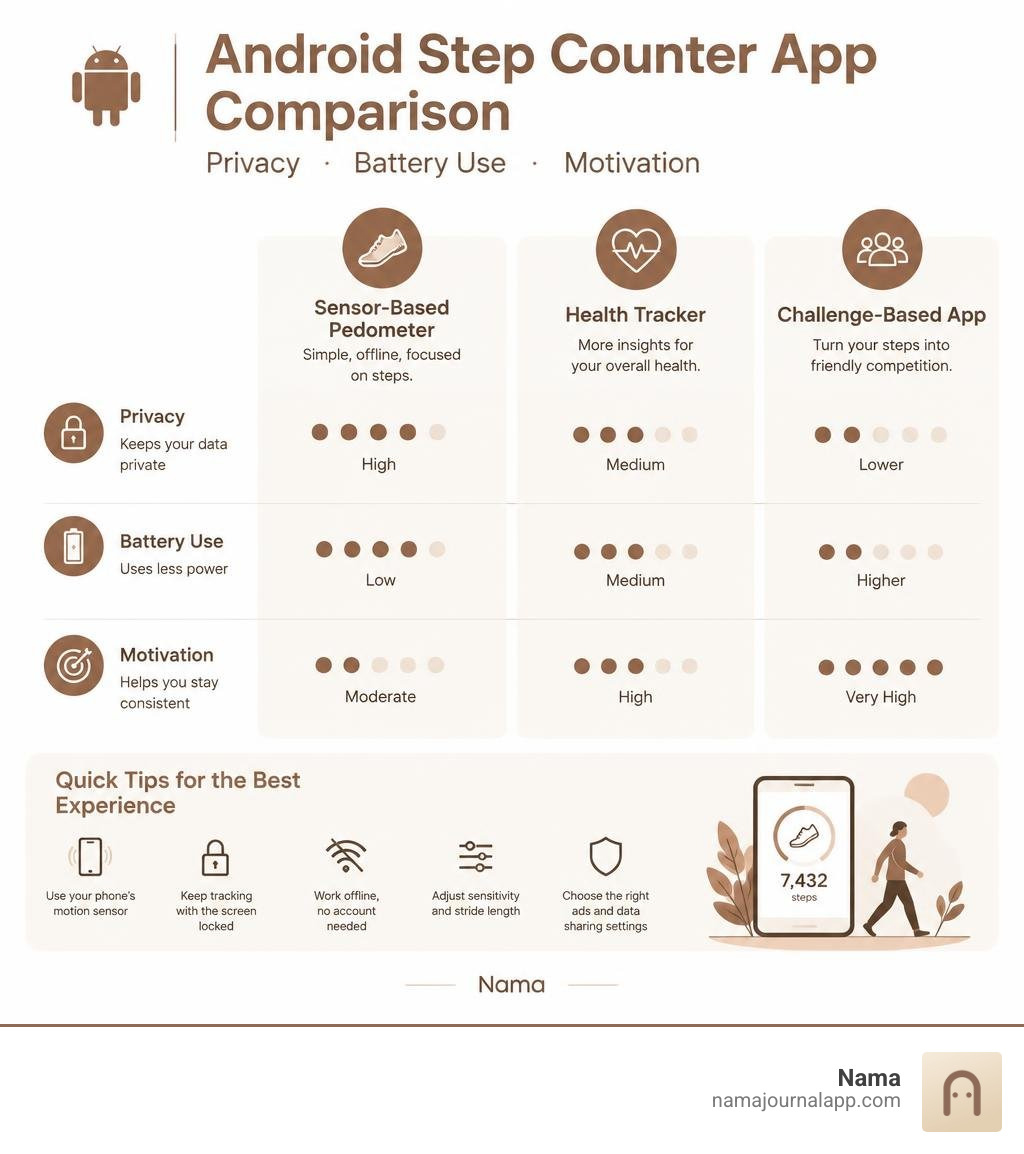
The best app for step counting Android users depends on what matters most to you. Choose a simple sensor-based pedometer if you want offline tracking and low battery use. Choose a health tracker if you also want calories, water, heart rate, or weight logs. And choose a challenge-based app only if friendly competition helps you walk more.
Look for an app that:
- Counts steps with your phone's motion sensor, not always-on GPS
- Keeps tracking with the screen locked
- Works offline and does not require an account
- Lets you adjust sensitivity and stride length
- Has ads and data-sharing practices you are comfortable with
A daily target does not need to be 10,000 steps to be useful. Research suggests that reaching 7,000 steps a day may lower the risk of premature death, while the American Heart Association recommends 150 minutes of moderate activity each week. A 30-minute brisk walk on five days is one practical way to work toward that goal.
The apps below compare the best options for minimal tracking, deeper health insights, visual streaks, and social walking challenges, with attention to privacy, offline use, battery life, and Android health-data syncing.
Best app for step counting android terms to know:
Key Features to Look For in Android Pedometer Apps
Modern Android devices contain dedicated hardware motion sensors and low-power step detector chips. Selecting the right app requires understanding how software interacts with these internal components to deliver accurate counts without draining your battery by noon.
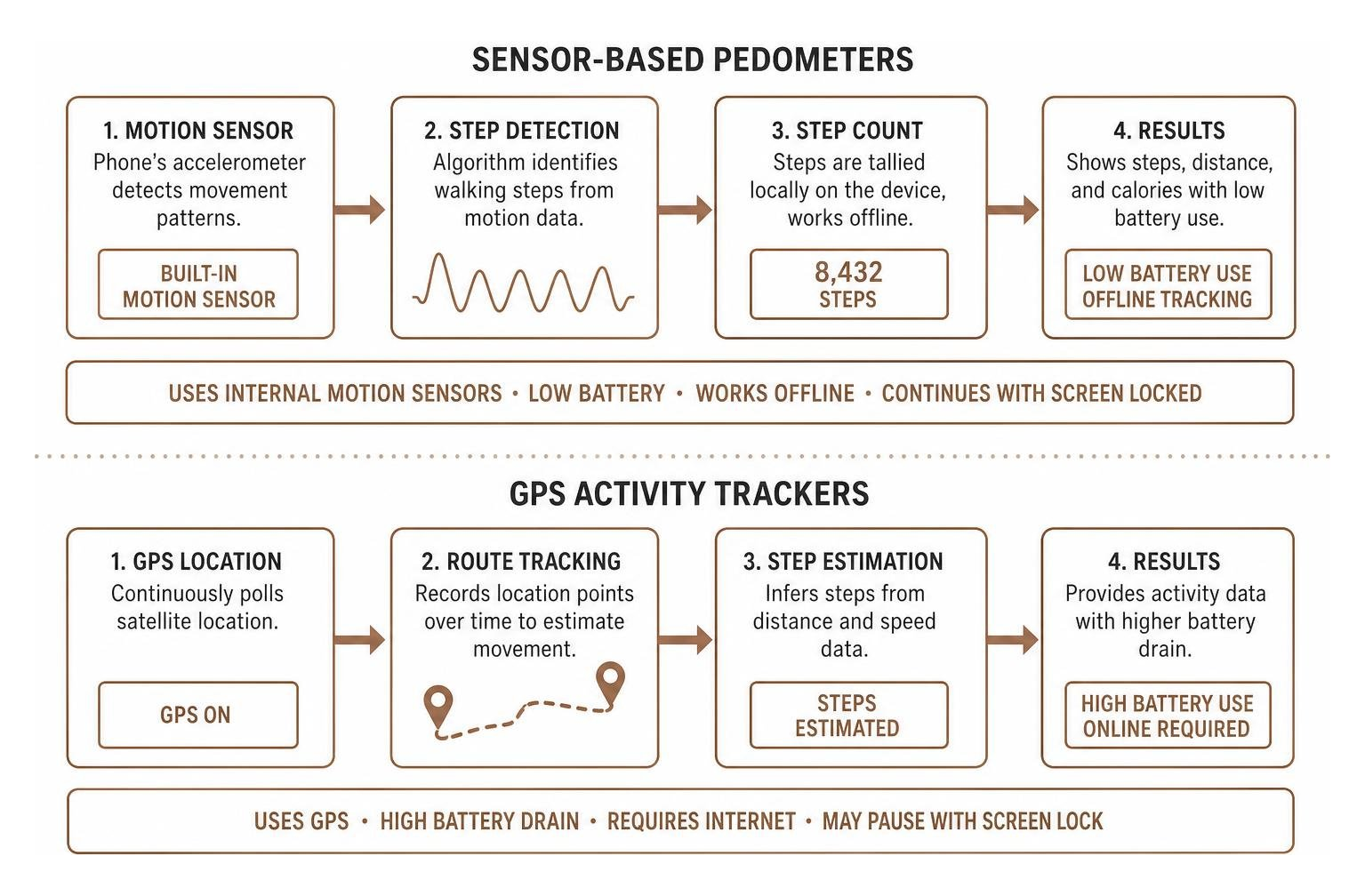
- Hardware Motion Sensors vs. GPS: Sensor-based step counting utilizes the built-in accelerometer to detect physical movement patterns. In contrast, GPS-based tracking runs continuous satellite location polling, which rapidly consumes battery life. A dedicated step counter app should prioritize internal motion sensors for daily passive tracking.
- Sensitivity Calibration: People have distinct strides and cadences. Quality apps allow you to adjust sensor sensitivity to avoid counting minor hand movements or rough vehicle commutes as actual steps.
- Lock-Screen Background Reliability: Android's aggressive power management often shuts down background tasks. A dependable tracker must operate quietly behind a locked screen without losing data.
- Stride Length Customization: Calculating distance and calorie burn accurately requires an app that lets you input your exact stride length, height, and body weight.
| Feature Type | Sensor-Only Pedometers | GPS Activity Trackers |
|---|---|---|
| Battery Drain | Minimal (1% to 3% daily) | High (10% to 25% per hour active) |
| Indoor Functionality | Fully functional (treadmills, indoor walking) | Poor or non-functional without satellite lock |
| Privacy Footprint | Low (no continuous location logging required) | Moderate to High (tracks geographic routes) |
| Primary Use Case | All-day passive step counting & streaks | Outdoor workout mapping (running, cycling) |
Top Standout Pedometers and Step Trackers for Android in 2026
We evaluated the top Android step trackers available on Google Play based on their accuracy, data privacy, interface design, offline functionality, and monetization models.
Minimalist Sensor-Based Pedometers with Zero Battery Drain
If you prefer a clean interface that performs one job reliably without demanding personal accounts or draining battery reserves, minimalist tools lead the category.
- Sensor-Based Simple Pedometer
- Core Strengths: Highly rated across millions of Android users, these lightweight tools rely entirely on the phone's built-in motion sensor and operate fully offline without GPS tracking.
- Standout Functionality: You can customize stride length to accurately calculate distance and calories burned. They feature quick-access pause and resume buttons, letting you stop step recording during car rides or train commutes to prevent false positives.
- Best For: Walkers seeking a lightweight, straightforward calorie and step tracking experience with zero setup friction.
Comprehensive All-in-One Health and Step Trackers
Some walkers want their daily step counter to serve as a centralized hub for broader physical wellness metrics.
- All-in-One Daily Activity Counter
- Core Strengths: Combining motion-sensor step detection with multi-metric activity logging, these suites capture walking volume alongside general fitness milestones.
- Standout Functionality: Integrates hydration reminders, body weight tracking, BMI calculation, and pulse checks alongside walking activity. Many also include structured, guided walking workout routines for weight management and let you back up your fitness logs directly to Google Drive.
- Best For: Anyone looking for a complete activity suite. If you want deeper athletic logs, pair it with our workout tracker app ultimate guide 2026.
Visual Motivation and Streak Tracking
Maintaining momentum often comes down to visual feedback, clean graphics, and rewarding streaks that keep you accountable day after day.
- Visual Streak and Ring Trackers
- Core Strengths: Known for slick design, dark themes, and animated step rings that make daily progress engaging at a glance.
- Standout Functionality: Delivers detailed month-over-month and yearly activity trends, customizable home screen widgets, active calorie estimation, and dedicated wheelchair tracking support.
- Best For: Users who value elegant visual design, customizable home screen widgets, and comprehensive streak milestones. Explore our guide on the best health tracker app for android to see how visual trackers compare.
Social Step Challenges and Community Leaderboards
For many, daily movement is far easier when shared with friends, family members, or colleagues.
- Community and Group Step Trackers
- Core Strengths: Designed to turn everyday walking into friendly social competition across large networks.
- Standout Functionality: Supports massive group challenges of up to 10,000 participants, real-time friend leaderboards, and animated step bots to pace against. They often feature mystery goal modes that conceal step totals until the end of the day, alongside robust Health Connect syncing.
- Best For: Walking groups, workplace fitness initiatives, and anyone motivated by friendly social rivalries.
How to Choose the Best App for Step Counting Android Devices Support
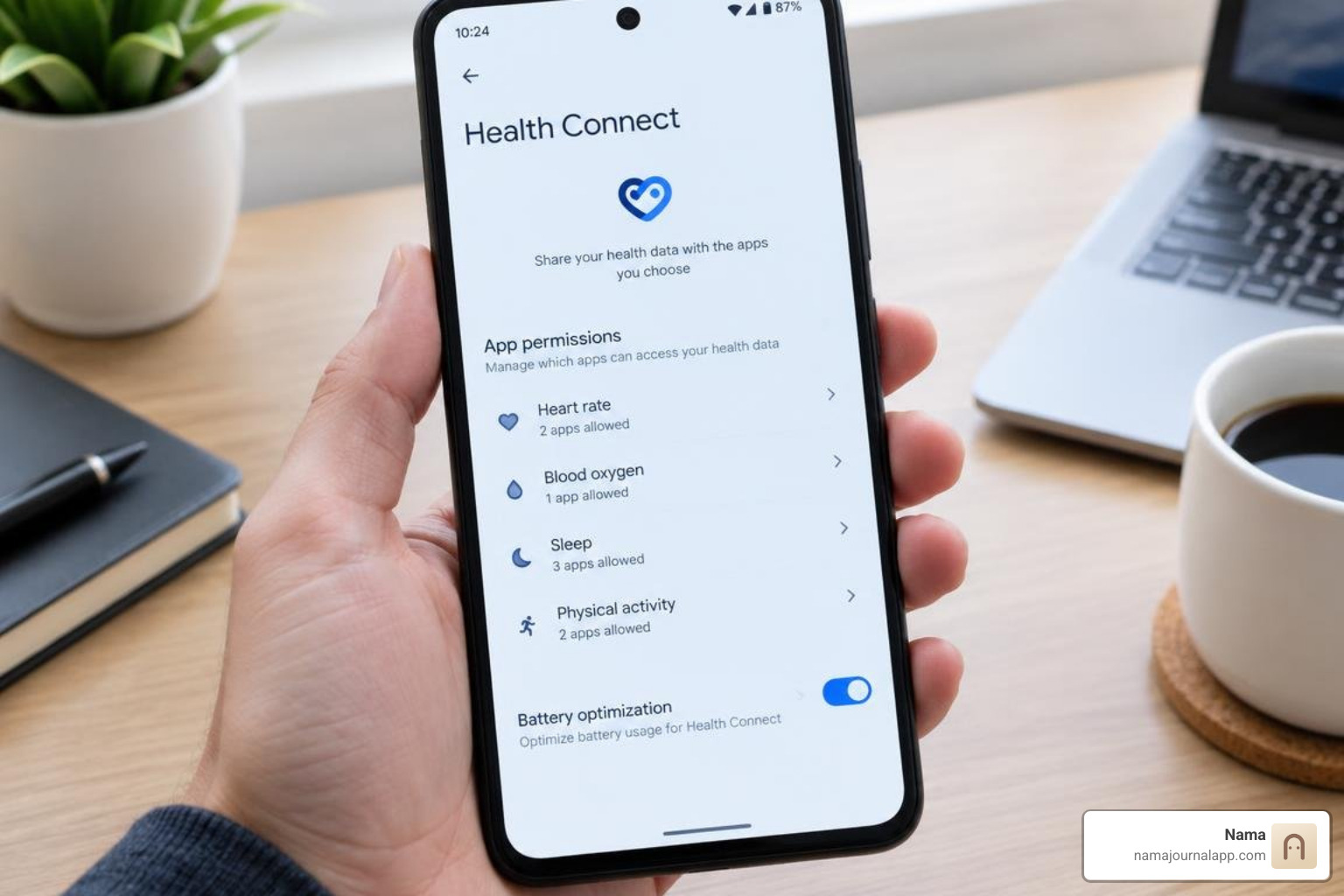
Every Android phone handles background processing and data storage slightly differently. Finding the best setup means balancing three fundamental operational pillars: privacy architecture, battery management, and cross-platform health synchronization. If you need complete control over daily metrics, explore our track anything feature to customize your routines.
Privacy and Offline Functionality in the Best App for Step Counting Android
Many commercial health apps monetize by collecting location histories, personal identifiers, and behavioral data for advertising networks. When selecting an app:
- Verify Account Requirements: Prefer applications that work out of the box without demanding an account creation or social login.
- Look for Local-First Storage: Step counters that store motion data locally on your device ensure your physical habits remain private.
- Inspect Data Safety Disclosures: Review the Google Play Data Safety section to confirm whether the app encrypts data in transit and permits complete data deletion on demand.
Optimizing Battery Life in the Best App for Step Counting Android Phones
Android's built-in step sensors rely on hardware sensor batching—a process where the phone's low-power motion coprocessor gathers step events together and delivers them in batches to the main operating system rather than waking the CPU for every single stride.
To keep battery consumption near zero:
- Ensure the app uses hardware sensor batching rather than persistent foreground GPS tracking.
- Whitelist your chosen pedometer in Android's battery optimization settings so the operating system does not kill the background sensor listener.
- Turn off real-time map route recording unless you are actively tracking a specific outdoor running session.
Frequently Asked Questions About Android Step Counters
How accurate are Android phone step counters compared to dedicated smartwatches?
Modern Android smartphones track total daily steps with roughly 90% to 95% accuracy when carried in a front pants pocket or securely in a jacket pocket. Dedicated smartwatches and wrist-worn fitness trackers capture arm swings, which can occasionally record false steps during desk work or cooking. Conversely, carrying a phone loosely in a bag or backpack can cause it to miss subtle footfalls. For maximum accuracy, calibrate your custom stride length in the app settings and maintain consistent carrying habits.
Do Android step counter apps continue tracking when the screen is locked?
Yes, as long as the app uses Android's native step counter sensor APIs and has appropriate background execution permissions. Modern Android versions route sensor data through low-power hardware coprocessors that remain active while the screen is asleep. If your device stops tracking when locked, check your manufacturer's aggressive power-saving settings (such as "App Battery Usage" or "Auto-launch" controls) and set the app to "Unrestricted."
How do step counters sync data across Health Connect and other fitness platforms?
Google has transitioned Android health data aggregation to Health Connect—an on-device API that manages permissions and synchronizes activity data securely across diverse fitness applications. Most modern step counters can read from and write to Health Connect, allowing your daily movement counts to sync seamlessly across your workout logs, weight managers, and our exercise log feature.
Conclusion
Building a consistent walking habit is one of the most effective, accessible ways to protect cardiovascular health, elevate daily mood, and improve long-term longevity. Whether you choose a minimalist offline pedometer, a comprehensive multi-metric health tracker, or a gamified community challenge app, the key is finding a tool that fits your daily routine without friction or battery anxiety.
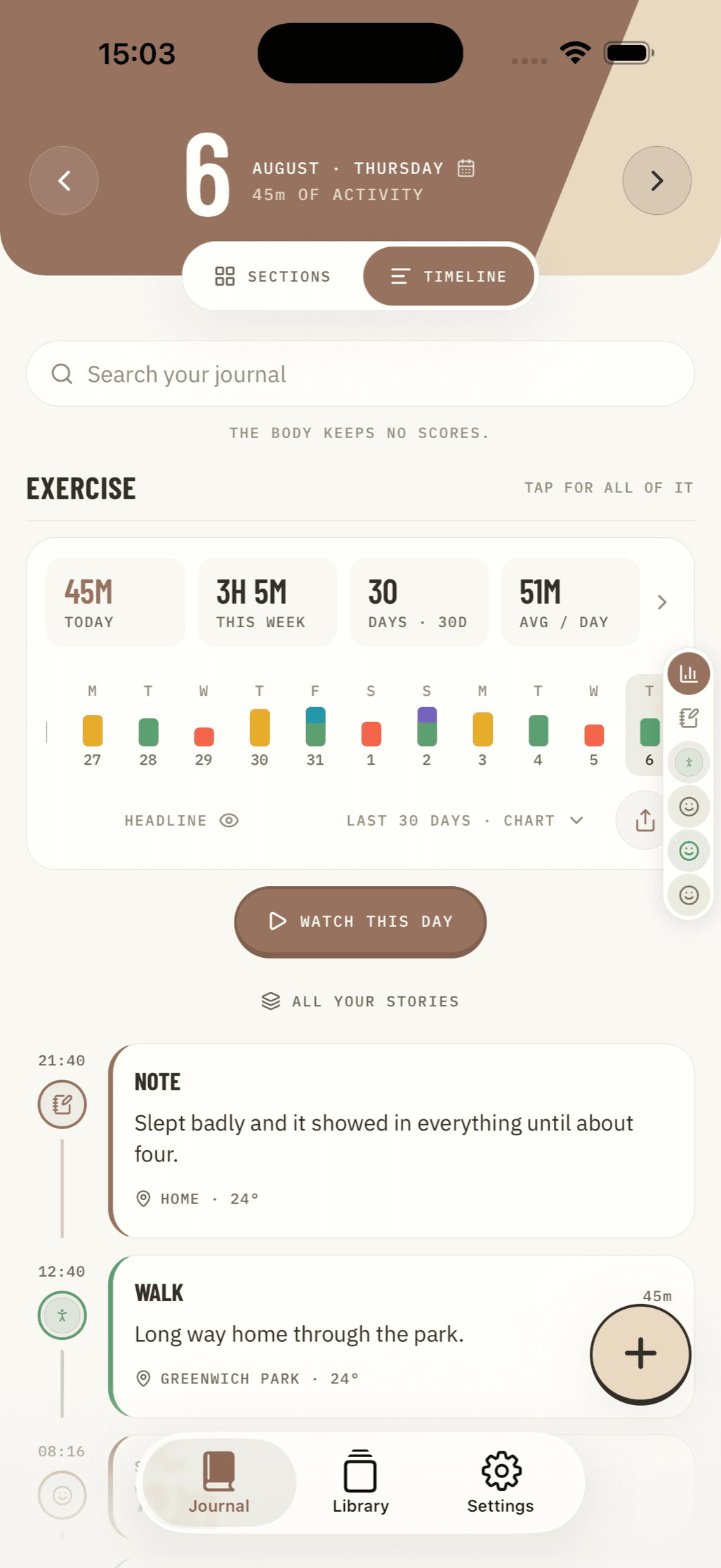
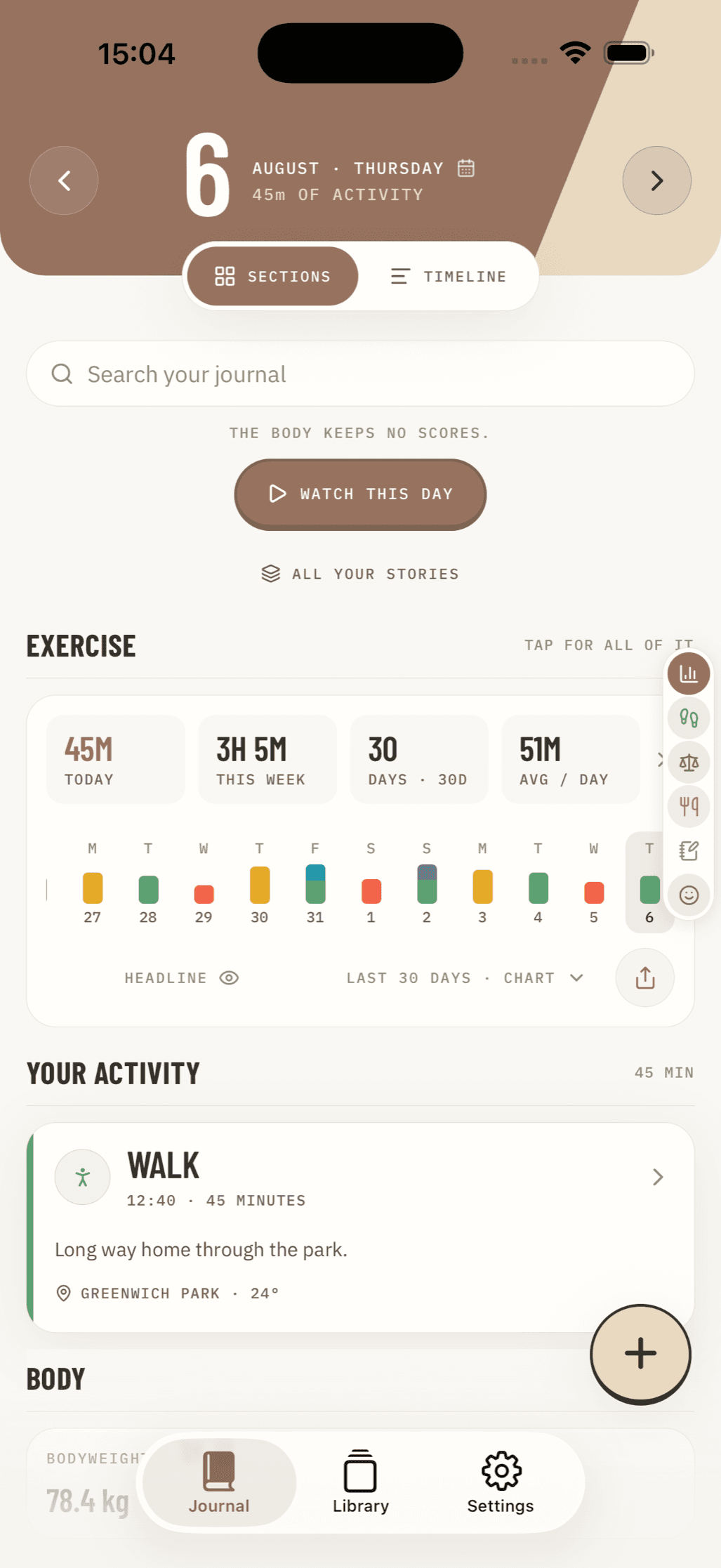
For those who value absolute privacy and mindful habit tracking, combining your daily movement records with a dedicated wellness journal offers deep clarity. While Android users have access to excellent standalone pedometers, iOS users looking for a fully offline, privacy-first wellness space can turn to Nama to log exercises, daily activities, notes, and custom health metrics entirely on-device without accounts or cloud tracking. Take the next step in your fitness journey and log your daily movement and exercise progress to build healthy habits that last.