The Lifter's Field Guide to Choosing the Best Strength Training App
Find the Best Weight Training Tracker for Your Goals

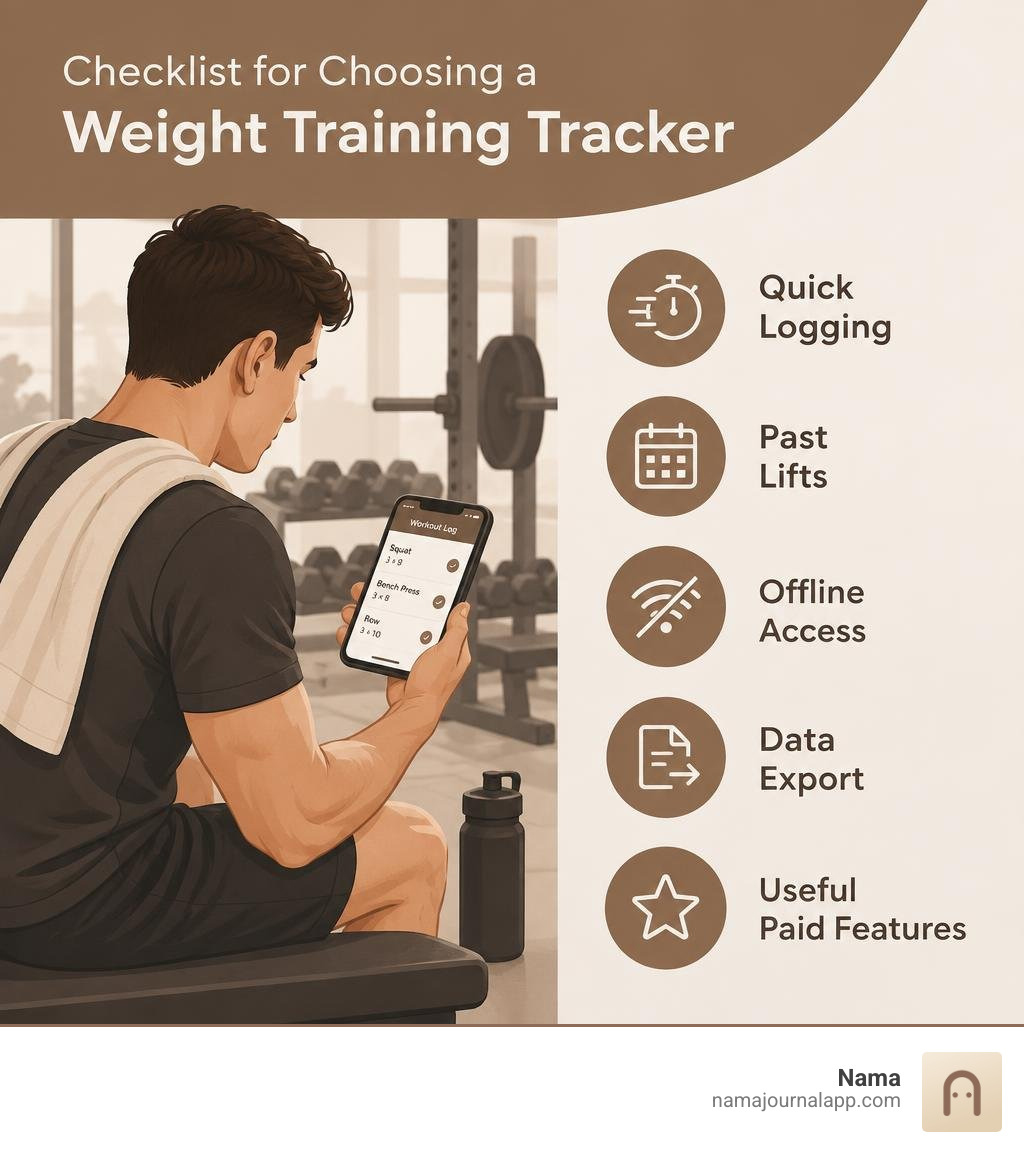
Start with a free tracker that makes it easy to log weight and reps and see what you lifted last time. That is enough for most people to track progress. If your gym has poor reception or you want to keep your data private, choose an app that works offline and lets you export your logs.
The right app should help you finish a set, record it quickly, and get back to lifting. Pay for extras such as detailed charts or built-in plans only when they solve a problem you have. For a broader look at how digital logs support long-term consistency, see this overview of strength training.
Explore more about best weight training tracker:
How to Choose the Best Weight Training Tracker for Your Lifting Goals
Finding the best weight training tracker comes down to matching how you lift with how an app records data. Research shows that people who consistently log their workouts are 42% more likely to stick with their training programs long-term. Yet many lifters abandon digital logs within three weeks because the software creates excessive friction between sets.
When evaluating training software, we must look at how well the tool supports your specific training methodology, program complexity, and privacy expectations.
| Tracker Archetype | Best For | Offline Reliability | Pricing Model | Analytics Depth |
|---|---|---|---|---|
| Minimalist Local Logger | General strength, privacy-first lifters | 100% (On-device storage) | Free or one-time purchase | Clean volume & PR trends |
| Social / Community Logger | Accountability seekers, casual gym-goers | Moderate (Requires sync) | Free tier / $2.99–$4.99/mo | Muscle splits & social feeds |
| AI Workout Generator | Beginners wanting auto-routines | Poor (Cloud computation) | $10–$35/mo | Adaptive load recommendations |
| Scriptable Powerlifting Log | Advanced strength athletes, coach-led | High (Local cache) | Free tier / Lifetime license | RPE, 1RM percentages, fatigue |
Matching App Mechanics to Training Disciplines
A powerlifter running a 12-week peaking program has vastly different software needs than someone executing a high-volume hypertrophy split. Powerlifting demands precise tracking of percentage-based training, Rate of Perceived Exertion (RPE), and Reps in Reserve (RIR). If you are preparing for a meet, your app must calculate training maxes and track bar speed or fatigue across heavy singles.
Hypertrophy-focused lifters require detailed muscle-group volume analytics. A dedicated bodybuilding workout tracker should visualize weekly set distribution across chest, back, quadriceps, and hamstrings to ensure no muscle group is under-stimulated. Meanwhile, Olympic weightlifters need logs that accommodate complex complexes (such as a clean pull + hang power clean + jerk) without breaking the app's internal database.
Beginner Simplicity Versus Advanced Programming Architecture
Beginners need low entry friction. If logging a workout requires configuring twelve settings, novice lifters will stop doing it. Guided templates, clear exercise demonstrations, and automatic rest timers help beginners build consistency.
Advanced lifters, however, quickly outgrow basic templates. They require custom periodization models, undulating set structures, and granular intensity targets. Setting up an effective progressive overload system in an exercise journal allows you to manage fatigue and volume thresholds systematically over months rather than guessing what weight to load next.
Progressive Overload Engine: The Technical Standard for Strength Logs
Progressive overload is the fundamental driver of muscular hypertrophy and strength gains. To stimulate neuromuscular adaptation, you must systematically increase the stress placed on your musculoskeletal system over time.
An exceptional training tracker does not merely store numbers; it actively calculates your training stimulus across multiple variables.
| Overload Metric | Formula / Calculation | Primary Training Application | Key Advantage |
|---|---|---|---|
| Volume Load | $\text{Sets} \times \text{Reps} \times \text{Weight}$ | Hypertrophy & work capacity | Measures overall mechanical work |
| Estimated 1RM (e1RM) | $\text{Weight} \times (1 + \frac{\text{Reps}}{30})$ | Powerlifting & strength phases | Gauges strength without maximal testing |
| Intensity Percentage | $(\frac{\text{Working Weight}}{\text{1RM}}) \times 100$ | Peaking cycles & periodization | Manages nervous system fatigue |
| Effective Reps | Reps completed within 0–4 RIR | Muscle fiber recruitment | Tracks stimulating sets accurately |
Core Capabilities of the Best Weight Training Tracker for Progressive Overload
To support structured progression, a tracker must calculate estimated One-Rep Maxes (e1RM) using validated equations such as the Brzycki or Epley formulas. Whenever you hit a rep PR at a submaximal weight, the app should instantly compute whether your theoretical ceiling has shifted upward.
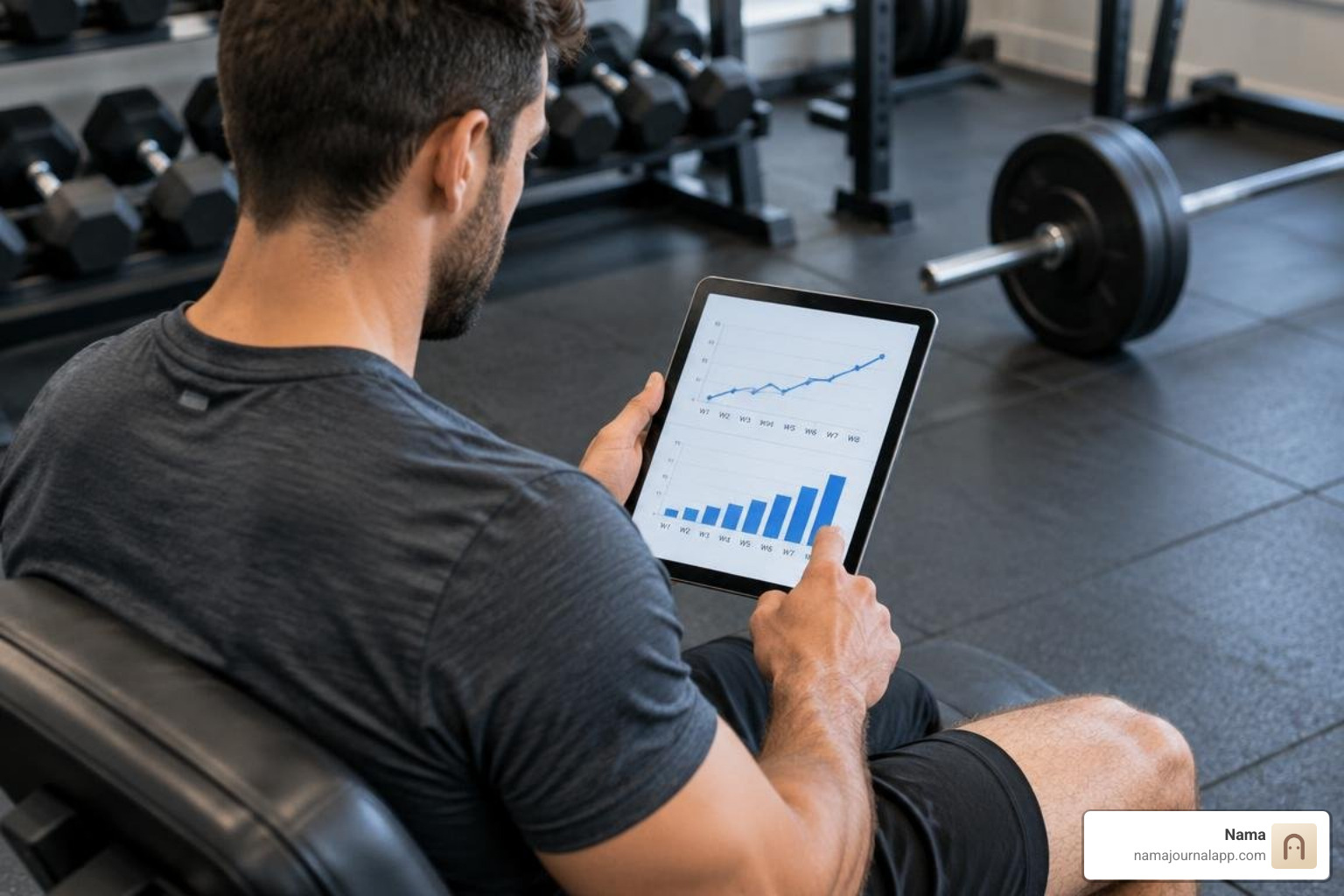
Historical performance retrieval is equally vital. When you walk up to the squat rack, you should not need to dig through weeks of calendar entries. The interface must display what you lifted during your last session, highlight personal records, and present clear volume trends so you know the exact target required to beat your past self.
Advanced Set Execution: Supersets, Drop Sets, and RPE Tracking
Standard straight sets account for only a portion of modern lifting protocols. Advanced programming relies on specialized intensity techniques:
- Antagonistic Supersets: Pairing opposing movements (such as bench presses and barbell rows) with linked rest intervals.
- Drop Sets and Myo-Reps: Logging immediate reductions in weight without registering them as entirely new exercises.
- RPE and RIR Scoring: Recording subjective proximity to muscular failure to adjust future training loads.
- AMRAP Sets: Tracking "As Many Reps As Possible" sets to recalibrate training maxes automatically.
When software forces you to log a drop set as four separate standard sets, it corrupts your volume analytics and breaks your concentration during the workout.
Logging Speed and User Interface in the Weight Room
Your phone should be a secondary tool in the gym, not a distraction. The primary purpose of a strength log is to capture performance data with minimal screen interaction. Reviewing our complete workout tracker app ultimate guide reveals that interface bloat is the leading cause of lifter burnout with mobile apps.

The Thirty-Second Set Logging Threshold
We hold gym logging to a strict rule: entering a completed set must take fewer than five seconds, and reviewing your previous performance should take fewer than two. During a heavy training session, your mental focus must remain on technique, bracing, and recovery.
Input latency, clumsy dropdown menus, or unskippable celebration animations disrupt your training rhythm. The best tools offer pre-filled values based on your prior session, allowing you to confirm weight and reps with a single tap. Once confirmed, an automated rest timer should trigger instantly without further input.
Plate Calculators and In-Gym Friction Reduction
Mental math between grueling sets leads to misloaded barbells. A built-in plate calculator removes this cognitive load entirely.
By specifying your available barbell weight (such as a 20 kg standard bar, a 15 kg women's bar, or specialty bars) and your gym's plate inventory, the tracker displays the exact plate configuration needed on each side of the sleeve. This simple utility eliminates loading errors and saves valuable energy during intense sessions.
Data Ownership, Offline Access, and Privacy Architecture
Many modern fitness applications operate as continuous cloud services. They require user registrations, track location telemetry, and require an active internet connection to load your workout routines. For serious lifters, this architecture presents significant vulnerabilities.
Understanding core free online workout tracker principles highlights the value of data ownership and uncompromised local performance.
Evaluating the Best Weight Training Tracker for Privacy and Offline Logging
Commercial gyms, basement iron dens, and industrial warehouse facilities are notorious cellular dead zones. If an app relies on server-side requests to fetch your routines or save your sets, a dropped signal can freeze the interface or erase your entire session.
A local-first architecture ensures that 100% of the app's functionality remains accessible without Wi-Fi or cellular data. Local storage eliminates loading latency, protects your personal health metrics from remote server breaches, and ensures you never lose access to your training history during network outages.
Export Formats and Escaping Ecosystem Lock-In
Your training data represents years of physical effort. If an application stores your history in a closed, proprietary database with no export mechanism, you are trapped in that vendor's ecosystem.
Always ensure your chosen software supports comprehensive data portability:
- CSV / Spreadsheet Exports: Allowing raw manipulation of dates, exercises, weights, reps, and RPE in Excel or Python.
- JSON Data Dumps: Complete programmatic archives of your workout history and custom routines.
- Media Backups: Ensuring form-check videos and physique progress photos remain stored locally on your device rather than on third-party servers.
Free Versus Subscription Models and Wearable Integration
The digital fitness landscape is saturated with recurring subscription tiers. The average fitness application costs $34 per month, with some coaching platforms charging up to $199 monthly. While high-end tiers occasionally provide human coaching, simple workout logging should not require an expensive ongoing commitment. Lifters tracking long-term trends can implement structured weekly exercise log tips to maximize their progress on any budget.
Feature Caps in Free Tiers Versus Paid Upgrades
Free tiers frequently introduce artificial roadblocks designed to force upgrades. Common limitations include capping the number of saved workout routines (often to just three or four), restricting access to custom exercise creation, paywalling historical analytics older than three months, or inserting disruptive interstitial video ads between sets.
When assessing software value, determine whether the core logging workflow is fully functional in the base version. A transparent one-time purchase or an uncompromised free tier is often superior to a recurring monthly subscription that adds little beyond basic data storage.
Wearable Sensors and Biometric Strain Synchronization
Integrating your training log with health ecosystems like Apple Health or wrist wearables provides broader physiological context. While wrist-based optical sensors struggle with real-time rep counting during barbell movements due to tendon flex, they excel at monitoring cardiovascular load, resting heart rate, and heart rate variability (HRV).
Connecting your strength log to broader biometric platforms allows you to correlate muscular volume with systemic recovery metrics, helping you identify overtraining before it causes injury.
Frequently Asked Questions About Strength Training Trackers
How do weight training apps calculate progressive overload and one-rep maxes?
Workout trackers calculate estimated one-rep maxes (e1RM) using validated mathematical models like the Epley equation ($\text{Weight} \times (1 + \frac{\text{Reps}}{30})$) or the Brzycki equation ($\text{Weight} \times \frac{36}{37 - \text{Reps}}$). These formulas analyze your submaximal working sets—such as lifting 225 lbs for 8 reps—to project your single-rep capacity. The app tracks these values over time, notifying you when a set represents a new volume or strength milestone.
Why is offline functionality critical for gym logging apps?
Many weight rooms, commercial fitness clubs, and home basements have poor cellular reception and spotty Wi-Fi networks. Apps requiring constant server communication suffer from UI lag, failed set saves, or complete lockouts when offline. Local-first apps process and store all data directly on your device hardware, ensuring instant responsiveness and zero data loss regardless of connectivity.
Can workout logs accurately handle custom exercises and specialty equipment?
Top-tier strength trackers allow you to build custom exercise entries with user-defined movement mechanics, equipment tags, and primary muscle targets. This flexibility ensures you can accurately track movements using specialty equipment—such as safety squat bars, cambered bars, specialty cable attachments, or resistance bands—without corrupting your standard barbell analytics.
Conclusion
Choosing the right workout logging software is about building sustainable habits. The ideal tool protects your focus during training, calculates progressive overload metrics automatically, and respects your data ownership.
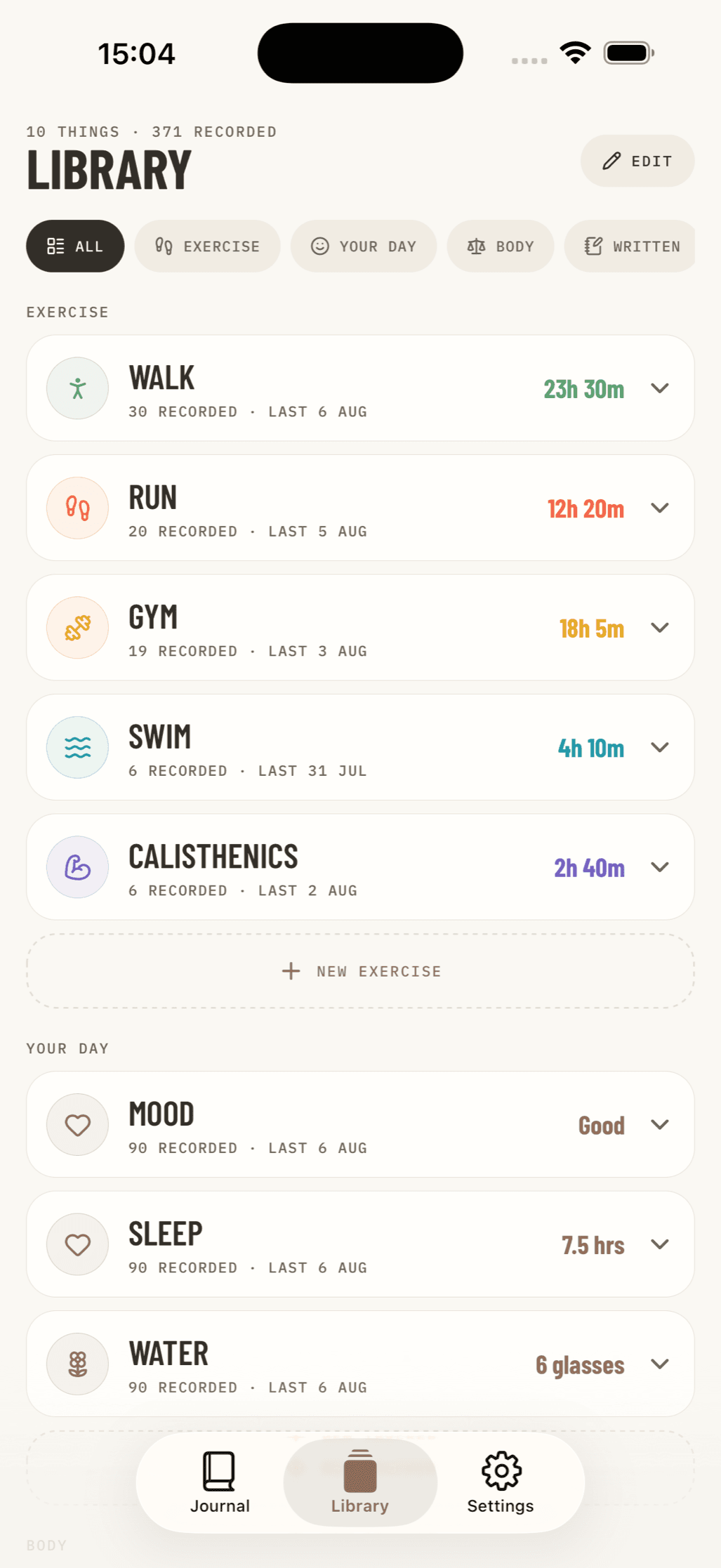
For lifters who prefer a clean, private, and distraction-free workout environment, our Nama offline exercise log delivers an intuitive, local-first logging experience. Built with a zero-account, privacy-focused architecture, it keeps your training logs, physique photos, and health notes stored securely on your iPhone without subscription bloat or server dependencies. Select the tool that gets out of your way, step up to the bar, and start progressing.